A virtual outfit swap is the fastest way to compare a look before buying it, packing it, or wearing it out. Instead of saving ten product tabs and guessing which pieces belong together, start with one clear photo and test two genuinely different directions. The point is not to chase a perfect digital outfit. It is to answer useful questions: does this colour suit the face, does the silhouette feel balanced, and which version is more likely to get worn again?
Virtual try-on and clothes-changing tools are now commonly used for outfit previews, styling ideas, social content, and online-shopping decisions. That makes the simple two-look test more valuable than a crowded moodboard. One look should be the safe choice. The second should challenge the usual shape, colour, or level of polish.
How to set up a virtual outfit swap that helps
Begin with a current full-body photo taken in daylight or even indoor light. Stand straight, keep the camera around chest height, and make sure the hands, waist, and shoes are visible when possible. A fitted top and plain trousers or shorts make it easier to see the new garment shape. Avoid a heavy coat, dark mirror, busy background, or a bag across the body on the starter photo; each one can hide the proportions you are trying to judge.
Then choose a single use case. Are you looking for a weekday outfit, a dinner look, an event guest outfit, or a new-season refresh? The better the brief, the more useful the swap. Save two or three garment images with clean backgrounds and clear product photography. Compare similar price points and similar weather needs, otherwise the decision becomes more about fantasy than real life.
Two virtual outfit swap ideas to test before you buy
1. The polished everyday upgrade
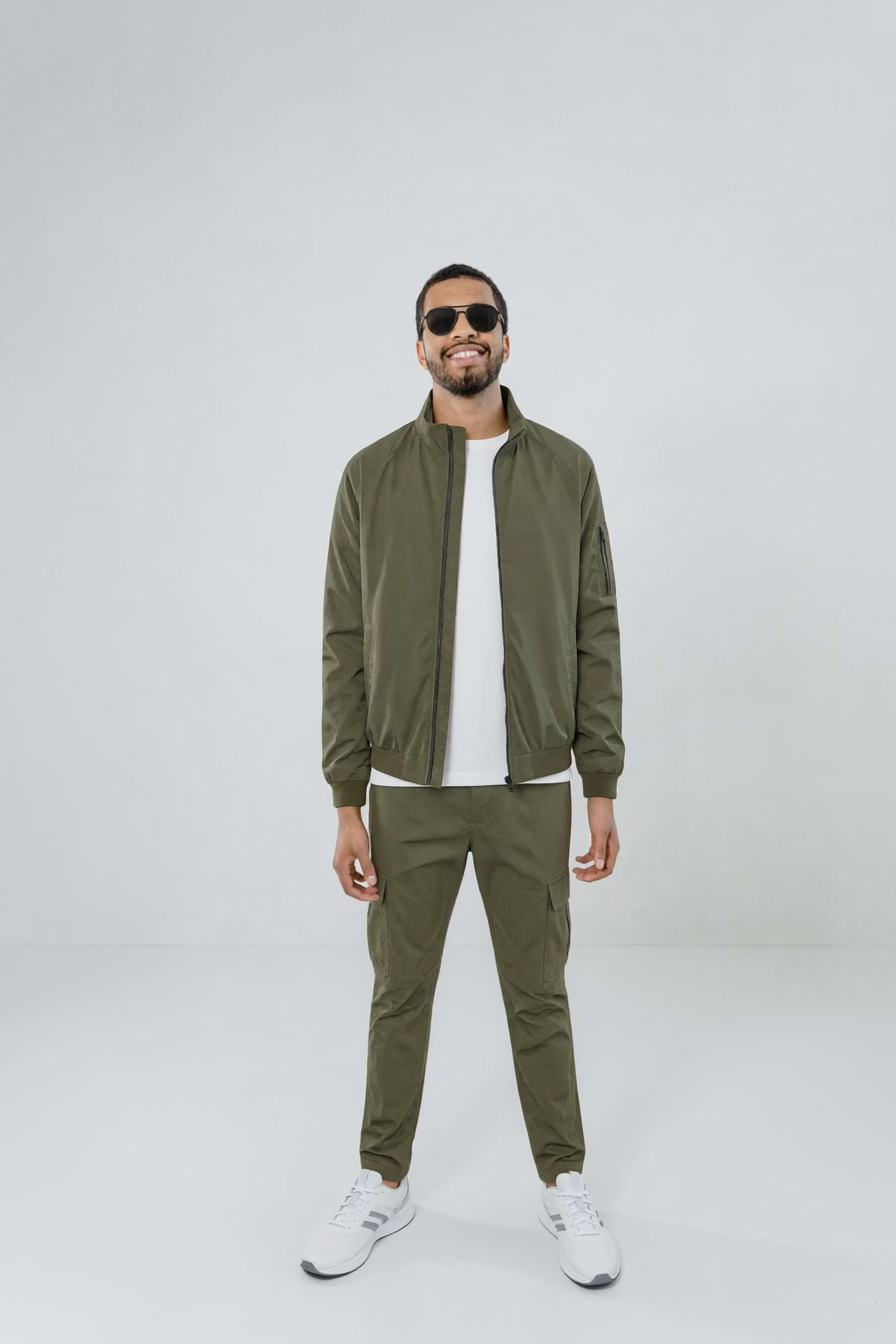
For the first swap, use an outfit that looks like an upgraded version of what already works. Start with straight-leg jeans or tailored trousers, then test a structured blazer, a simple knit, and a sleek shoe. This direction is useful when shopping for office days, dinner after work, city weekends, or a capsule wardrobe reset.
Keep the colours near the existing wardrobe. Navy, cream, black, grey, chocolate, and soft denim are easy comparison colours because they show whether the shape is doing enough. Add one point of interest: a burgundy bag, a textured belt, or a metallic shoe. The goal is to see whether a more polished layer makes the outfit feel better without making it less like you.
Prompt to try: Realistic full-body virtual outfit swap, tailored cream blazer over a fitted black knit, straight dark denim, pointed black flats, small burgundy shoulder bag, natural daylight, clean neutral background, accurate garment proportions.
Styling tip: Test the blazer both open and buttoned. An open jacket shows the layers, while a closed one reveals whether the waist placement works. If the outfit looks flat, swap the shoe before buying another top.
2. The shape and colour reset

The second look should make a real change. Try a softer wide-leg trouser instead of skinny denim, a midi skirt instead of trousers, or a short jacket instead of a long layer. Choose a colour family that rarely appears in the closet: moss, plum, powder blue, butter yellow, rust, or deep red. This is where a virtual outfit swap can save a return. A colour may be beautiful on a product page but too close to the skin tone or too difficult to combine with the shoes already owned.
This direction is strong for weddings, birthdays, holiday packing, festival outfits, or the first cool-weather look after summer. It can also help test one trend piece without turning the whole outfit into a trend experiment. Keep the rest of the swap practical: a bag you would actually carry, a shoe you could walk in, and a layer that works for the expected temperature.
Prompt to try: Realistic virtual outfit swap, plum satin midi skirt, soft grey fitted tee, cropped charcoal jacket, silver ankle boots, compact black bag, full body, daylight, natural fabric drape, true-to-life scale.
Production tip: Create a side-by-side comparison using the same pose and crop. Changing the background or camera angle between versions can make one look better for the wrong reason. Match the lighting, then compare the colour near the face, the waistline, and the shoe-to-hem proportion.
How to choose the better virtual outfit swap
Do not choose only by the first reaction. Look at both versions for thirty seconds and ask four practical questions. Would you wear this on a normal day? Can it work with at least three pieces already owned? Does the colour make the face look awake? Would the shoes still feel right after two hours? A look can be exciting on screen and still lose to the version that fits the actual plan.
Pay attention to garment behaviour too. Virtual previews are excellent for judging colour, outfit balance, and styling direction, but they cannot guarantee fabric weight or exact fit. Check the product measurements and return policy before ordering. Think of the swap as the visual shortlist, not the final fitting room.
For content, use the two-look test as an easy carousel: first frame shows the base photo, second and third show the swap directions, and the final frame asks friends which one they would wear. For shopping, save the winning image beside the product link. It keeps the decision tied to a real outfit rather than a passing scroll.
Try both directions on a current photo in FashionKit before committing to a cart. The best virtual outfit swap is the one that makes getting dressed tomorrow simpler.
Get this look in FashionKit
Try these effects on your own photos – free to start.