Nano Banana fashion edits just got a useful upgrade for anyone who saves outfit photos, tests a look before shopping, or wants a cleaner style post. Google calls Nano Banana 2.1 its latest high-efficiency image generation and conversational editing model. The practical part for fashion fans: the update aims for stronger prompt matching, sharper detail, more reliable subjects across edits, and better text when a look needs a simple label or moodboard note.
What changed for Nano Banana fashion edits?
The best fashion-photo effects do not need to look like a total reinvention. They help answer a small question: Would this jacket work with a softer skirt? Could a daytime outfit handle dinner? Would a different color make a saved look feel more like you?
Google says Nano Banana 2.1 improves visual quality, prompt adherence, multi-turn character consistency, and text rendering. It also supports 1K, 2K, and 4K output plus wide and tall aspect ratios. That matters when a look needs a full-length vertical frame, a collage-ready crop, or a wide outfit board rather than another square selfie.
The update also supports multiple reference images. In plain terms, that can help keep a person, a bag, or a favorite pair of boots more consistent while the outfit direction changes. A wardrobe test becomes more useful when the key pieces still look like the pieces you actually own.
For a closer look at the release details, Google has published Nano Banana 2.1 documentation. The version is new enough to feel timely, but the fun part is still the same: make an outfit idea easier to picture.
4 Nano Banana fashion edits worth trying
1. The rainy-evening swap
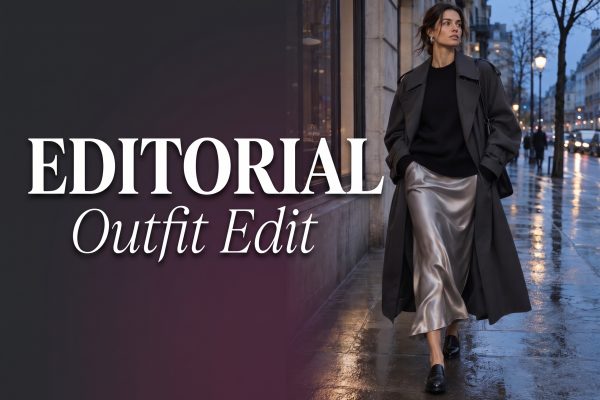
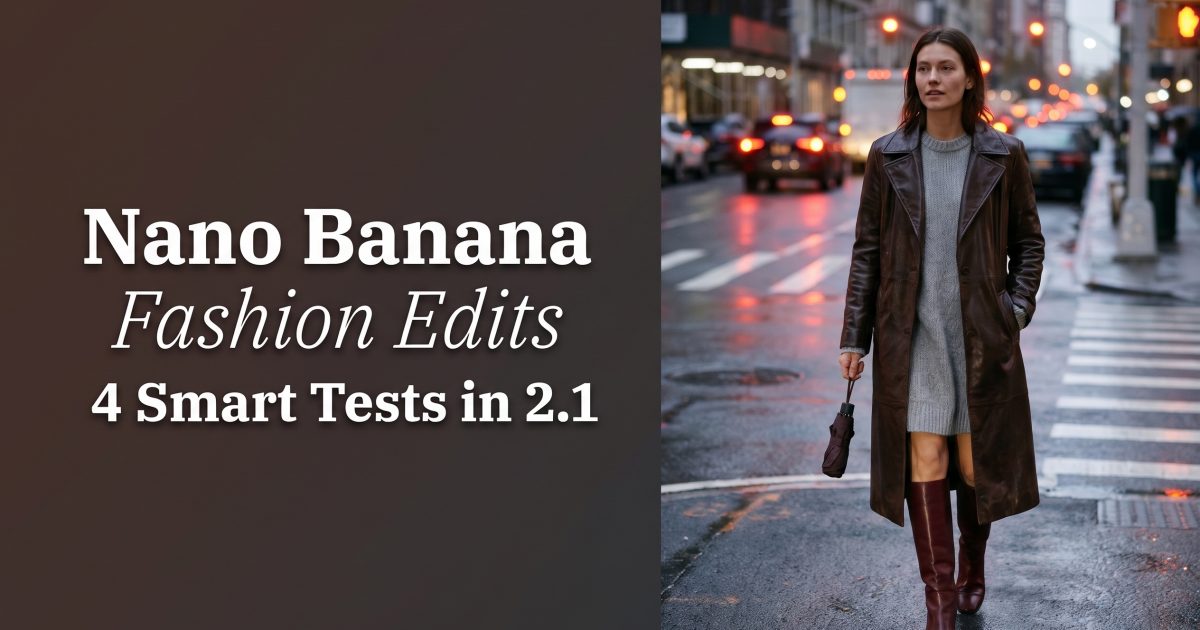
Start with a daytime silhouette, then give it an evening setting. A trench, knit dress, and tall boot combination gains a different rhythm under wet pavement and city lights. The look stays wearable because the pieces have clear jobs: a long outer layer, one soft center piece, and a boot that grounds it.
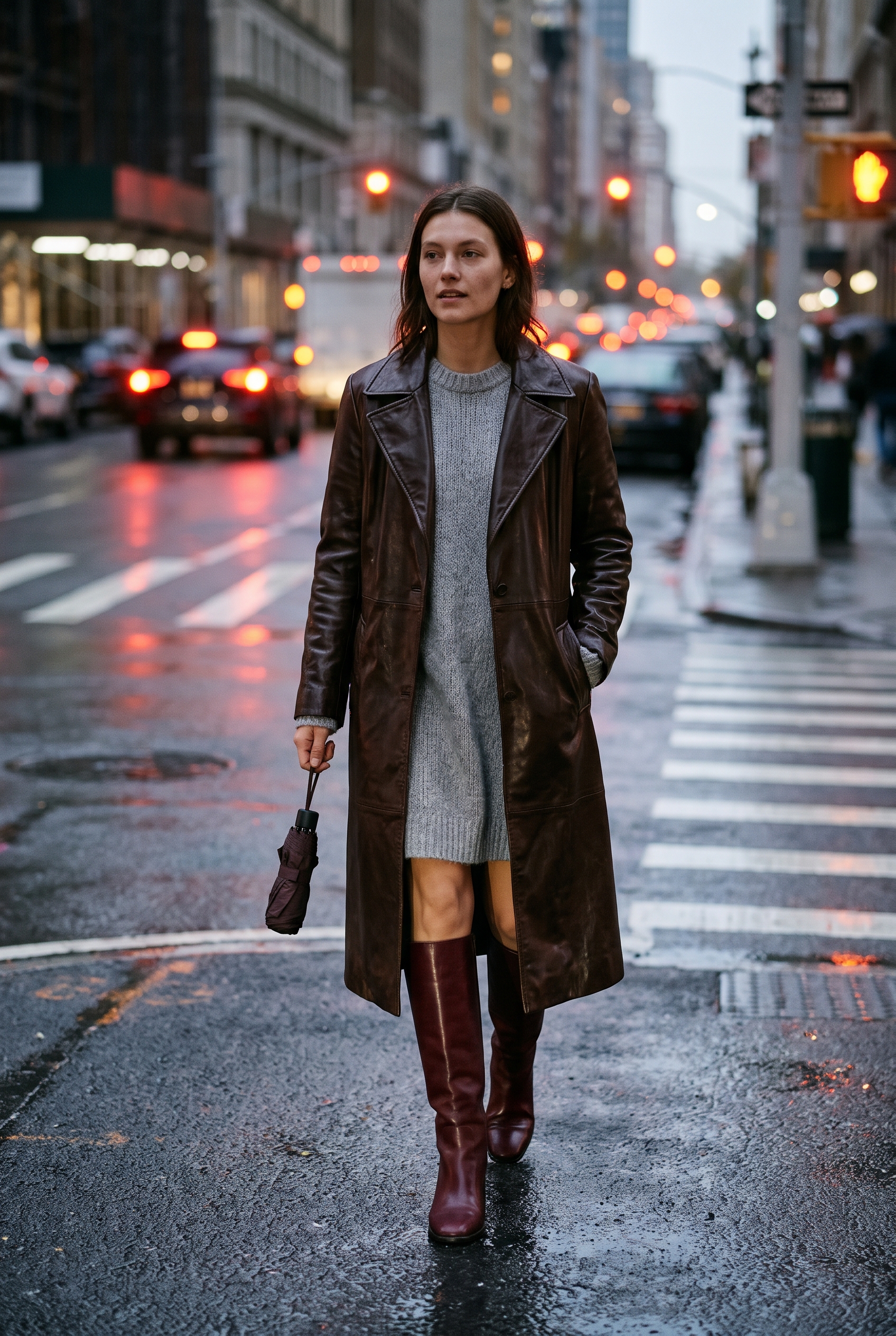
Try this when an outfit looks fine in your bedroom mirror but needs a little more presence outdoors. Ask for natural light spill, real fabric texture, and a setting that fits the clothes. Specific details give the image something solid to hold onto.
2. The soft-color reset
Color can change the whole read of an outfit without changing the basic formula. A butter-yellow blazer, white tank, dark denim, and silver flat feels lighter than the same structure in black. This is a good test for people who keep buying neutrals, then wish their saved images had more mood.
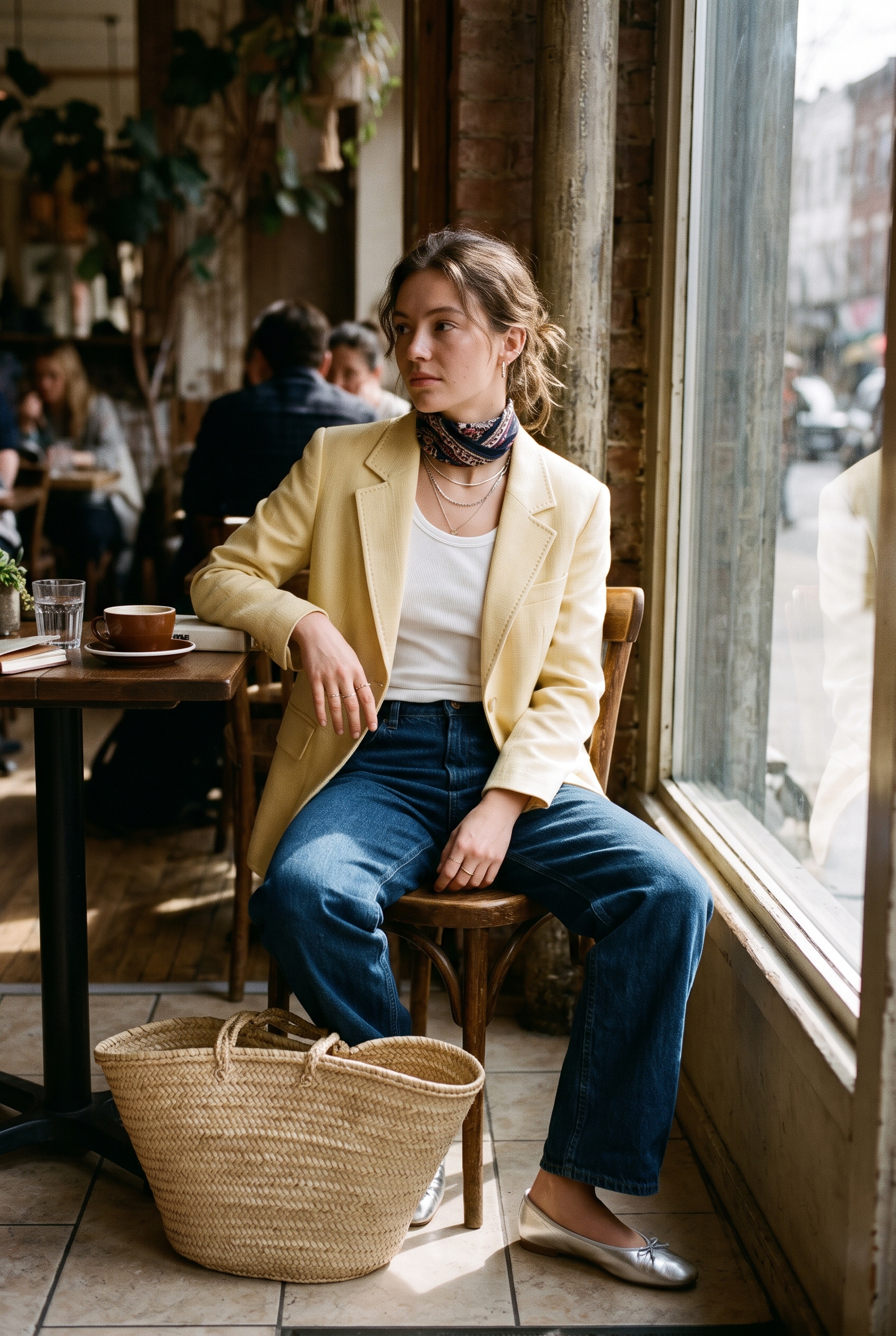
For Nano Banana fashion edits, name the exact shade and the fabric. Pale yellow reads differently in linen, wool, satin, or matte crepe. Add one accessory with texture, such as a silk scarf or woven bag, so the styling has a point of view.
3. The one-piece hero test
Pick the item you are least sure about: an oversized blazer, bright shoe, vintage jacket, or patterned skirt. Keep the rest quiet. Then create two directions around that piece: one casual, one dressed up. The goal is not to invent a fantasy closet. It is to see whether one purchase can pull its weight in more than one situation.
A useful prompt describes the garment, the setting, the pose, and the lighting. It should also say what must stay unchanged. If the bag is the reason for the test, keep the bag. If the person should remain the same person, say that too.
4. The full-lookboard test
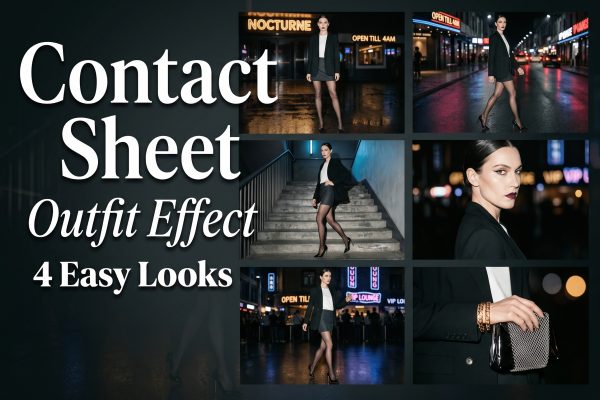
One image can be nice. A small set is more revealing. Create three related outfit directions for the same occasion: coffee run, desk day, and dinner plan. Keep one color family or one shoe across the group. You will quickly see which version still feels like your style and which one only worked for the photo.
That is where the newer consistency work can help. Google describes stronger multi-turn character consistency and support for several reference images. Its current model listing also describes fashion-friendly editing uses such as outfit and style changes. Use those controls as a planning tool, not a reason to overcomplicate the look.
How to make the result feel believable
Start with a real style tension. Pair tailored with relaxed, polished with practical, or soft color with dark denim. Avoid asking for every trend at once. One clear idea usually makes a better fashion image than six competing references.
Then give the scene a reason. A cafe window suits a blazer and flats. A damp city crossing suits a long coat and boots. A styling image feels more convincing when the weather, light, and location support the clothes.
Finally, inspect the details before treating any image as shopping advice. Look at hands, closures, jewelry, seams, and layered hems. AI images can make a good moodboard, but they cannot confirm an item fits, has a certain fabric weight, or is sold in your size.
When this fashion-photo effect works best
This effect is useful before a trip, an event, a new season, or a purchase you are still talking yourself into. It is also handy when your saved folder has fifty near-identical looks and no obvious next outfit. Build a few visual directions, then pull out the repeat ingredients: shape, color, shoe, and outer layer.
For a different route into the same idea, the guide to virtual try-on edits shows how small changes can help compare directions before you commit. Keep the final decision grounded in real mirrors, real product photos, and the clothes already in your wardrobe.
A few watch-outs before posting
Do not use a generated outfit image to claim a product is available, fitted, or made from a certain material. If you are sharing a look publicly, label it clearly when that context matters. For personal planning, treat it like a collage with better lighting: useful for direction, not proof.
Nano Banana fashion edits are most helpful when they narrow the choices. Save the image that makes you want to get dressed, then recreate that energy with pieces you can actually wear.
Get this look in FashionKit
Try these effects on your own photos – free to start.